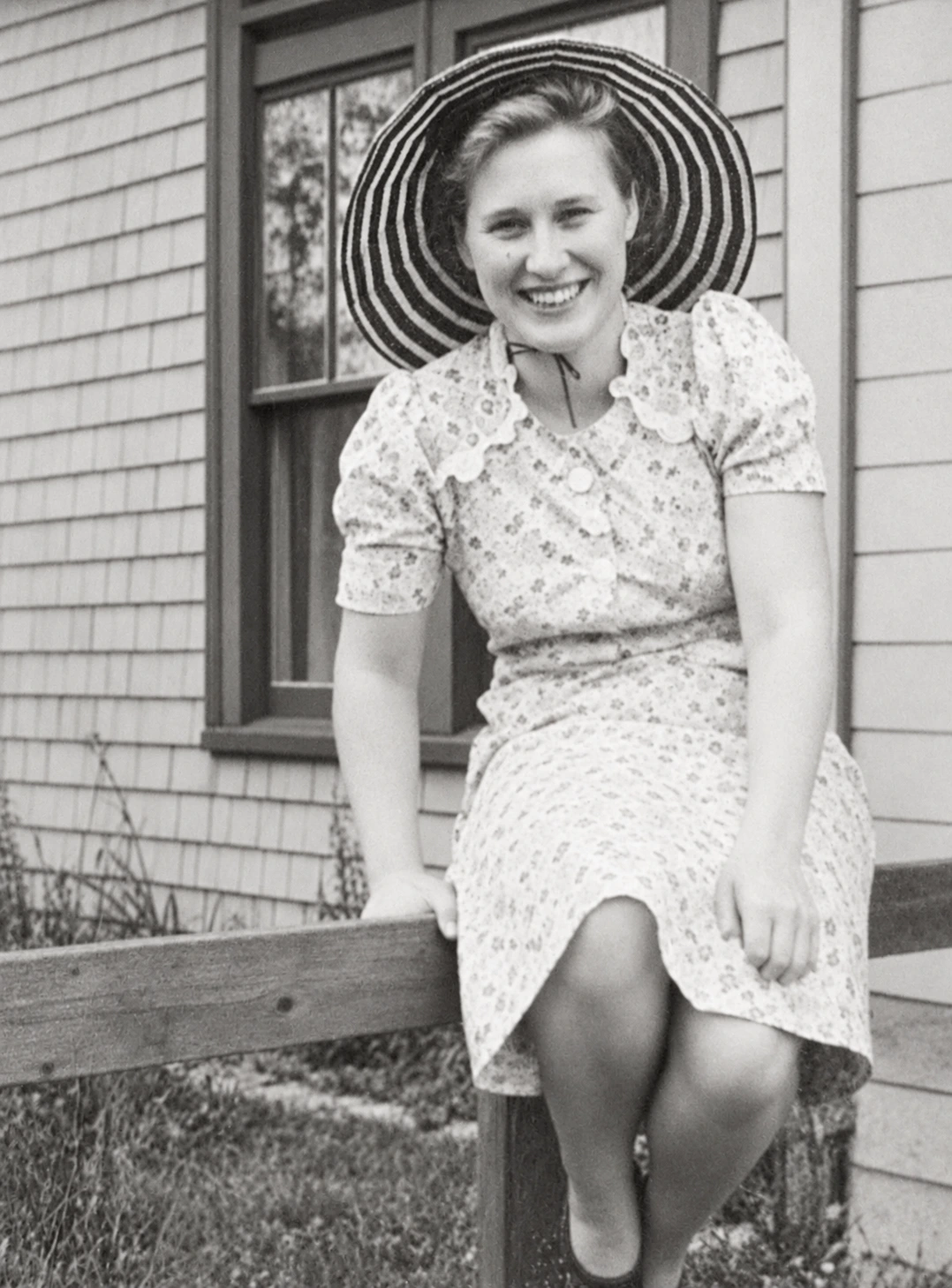
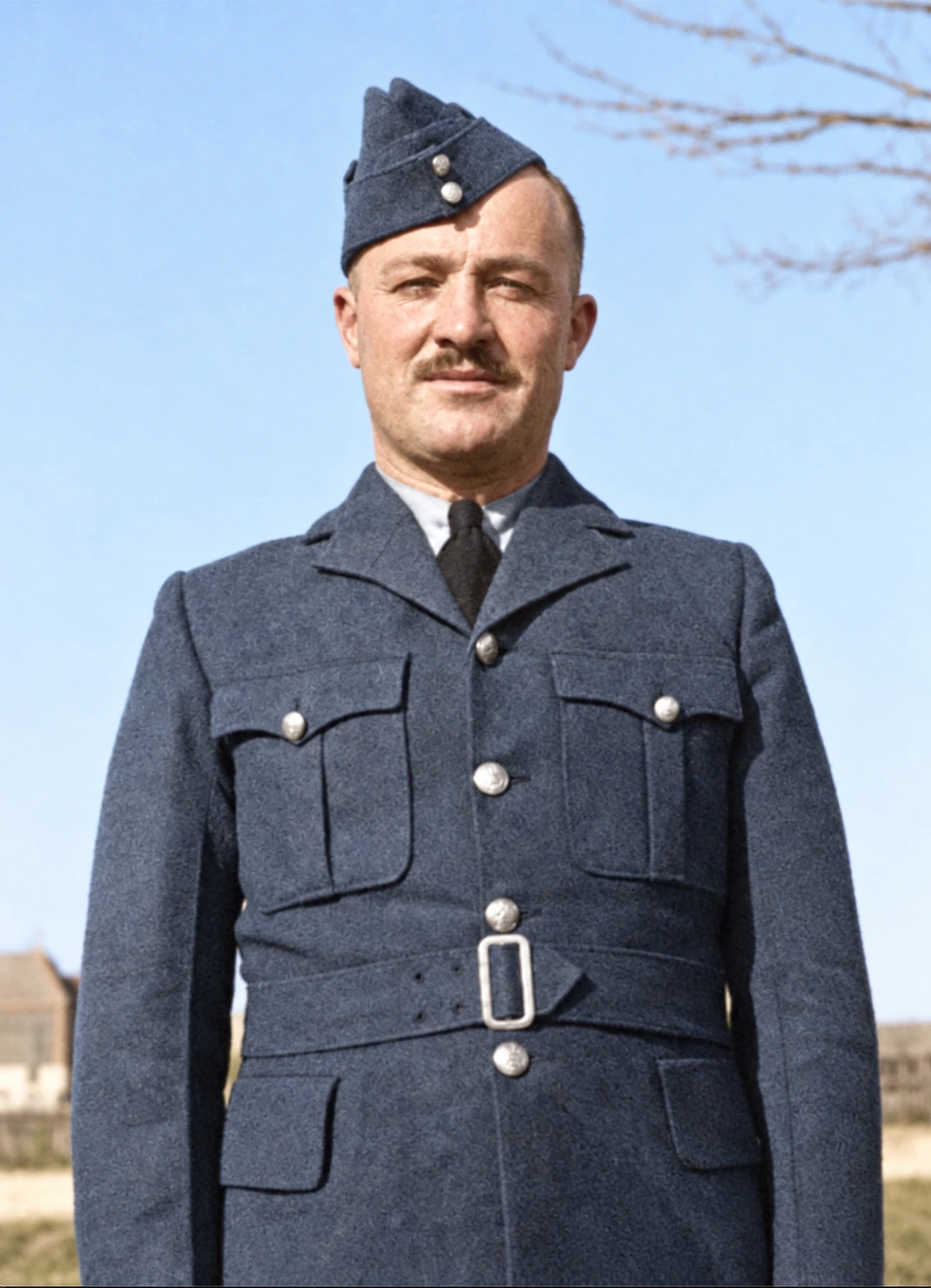
Animate old photos and bring them to life

See the faces in your old photos smile, wave and laugh again. Pick a photo, say what you’d love to see, and a minute or two later you’ll have a short video of them, still looking just like themselves.

  • A 5-second video, no watermark
  • Say what you’d love to see
  • Even from separate photos
  • Credits back if it doesn’t work

Make a video

1. Choose a photo

Your restored photos

Sign in to use the photos you restored.

One simple moment works best, like a smile or a wave. Leave it blank and they’ll move gently on their own.

0 / 300

Ideas

Checking your account…

You’ll get a 5-second silent video, usually in a minute or two.

  • A couple from the 1970s turns and hugs
  • The same photo, with a kiss
  • A serious portrait breaks into a laugh
  • Original photo 1Original photo 2Two separate photos, now a hug
  • Original photo 1Original photo 2The same two photos, now a kiss

One photo, many ways to move

Original photo 1

Animate old photos without losing the person

When Grandpa smiles in the video, it’s still Grandpa: the same face, the same haircut, the same coat and the same garden behind him. If the print is faded or scratched, restore it first, and the video will be clearer too.

Original photo 1

Say what should happen, in your own words

Just write it the way you’d say it: “she looks up from her book and smiles” or “he waves at the camera”. Not sure what to write? Tap an idea and change it to fit your photo, or leave it blank and they’ll move gently on their own.

Original photo 1Original photo 2

Bring separate photos together

Have a photo of your grandmother and a different one of your grandfather? We can put them side by side in one picture, so you can see them hug, share a slow dance or simply stand together again. It works for up to four people, each from their own photo.

Private, and yours to keep

Only you can see your photos and videos. Save each video without a watermark, send it to the family, or delete it whenever you like.

What you can animate

Photo to video works best with pictures of people where the faces are easy to see. A few photos people bring here most:

  • Old family portraits

    Animate photos of parents and grandparents, so a smile or a nod comes back for a moment.

  • Wedding and anniversary photos

    Let a couple turn to each other, laugh, or sway as if they were dancing.

  • Childhood pictures

    A child looks up, giggles, or waves at whoever was holding the camera.

  • Someone you miss

    Many people animate old photos of a loved one who has passed away, just to see them move once more.

How to animate a picture

  1. Choose a photo
    1

    Choose a photo

    Pick one you restored here, or upload a new one. To animate old photos well, use a picture where faces are clear and not too small.

  2. Everyone bursts out laughing
    2

    Say what you’d love to see

    Write it in a few words, like “she waves and smiles”, or tap an idea such as a wave, a hug or a laugh.

  3. 3

    Watch and download

    In a minute or two your photo becomes a 5-second video. Watch it, save it, or try another idea.

Ideas for your first video

Photo animation looks most real with small, everyday moments. A few that families often choose:

  • A slow smile

    She turns toward the camera and slowly smiles.

  • A wave hello

    He raises his hand, waves, then laughs.

  • A warm hug

    The two of them turn to each other and hug.

  • A gentle kiss

    They lean in and share a gentle kiss.

  • A big laugh

    Everyone in the photo bursts out laughing.

  • A breath of wind

    A light breeze moves her hair and the leaves behind her.

  • A slow dance

    The couple sways slowly, as if dancing at their wedding.

  • Looking up

    The child looks up from the toy and grins.

Tips for a better video

  • Restore first. Faded, blurry or scratched photos animate better after a restore, and a restore takes about a minute.
  • One action at a time. “Waves and smiles” works better than a whole story. You can always make a second video.
  • Count the people. A hug or a kiss needs two people in the photo. In big group shots, not everyone moves the way you hoped.
  • Faces matter most. The bigger and clearer the faces, the more the video looks like them.
  • Try a different word. Every video comes out a little different. If one isn’t right, change the wording and make another.

Questions about animating photos

Upload the photo, say what you’d love to see or pick an idea, and press Make video. A minute or two later you’ll have a 5-second video to save. If the print is badly faded or damaged, restore it first and animate the restored version.